JPAM PDF & Scanner
Scan paper documents with your camera and automatic edge detection. Then edit, sign, merge and convert PDFs—all in your browser. Every page is processed on your device. Nothing is uploaded, and no account is required.

What it does
Use it free in your browser—with no ads, account or purchases. Your documents stay on your device.
Scan documents
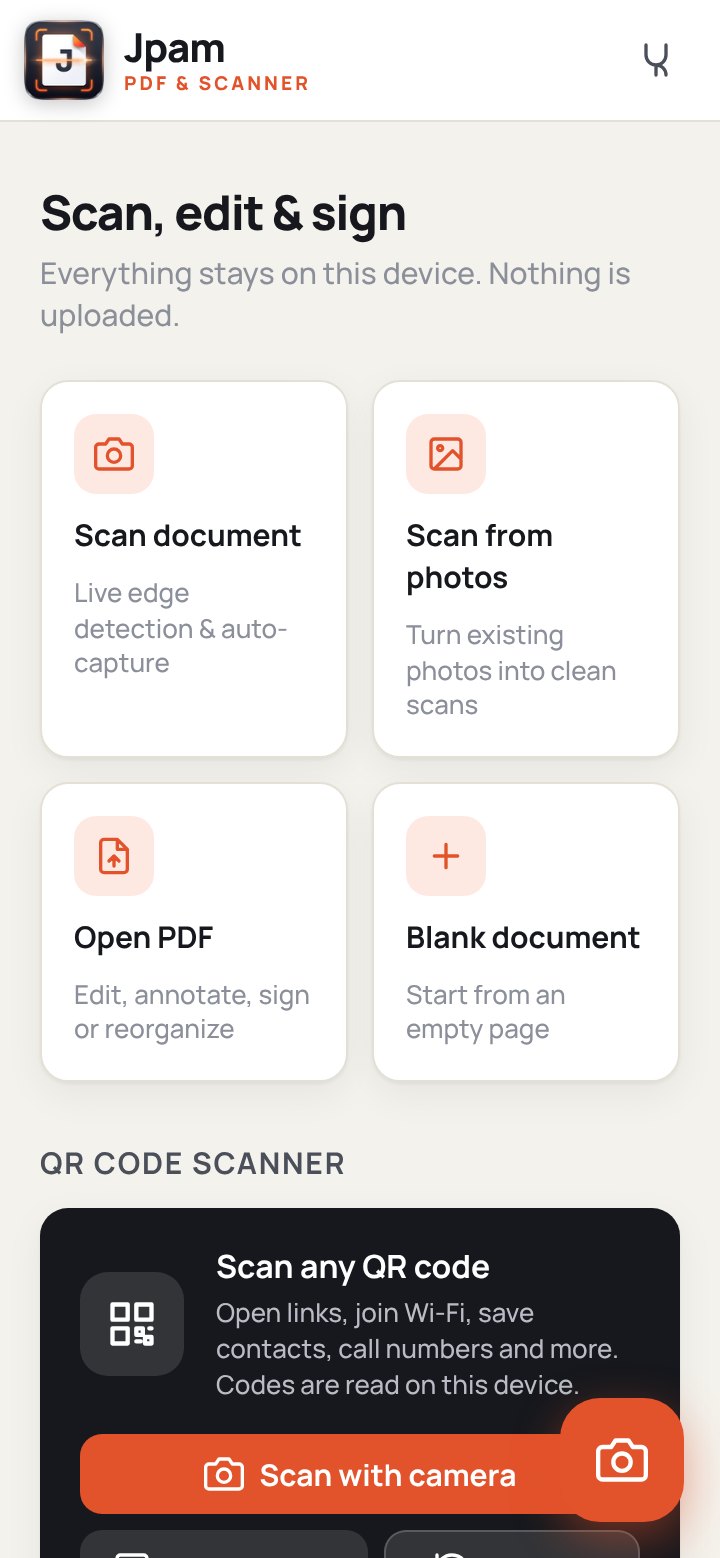
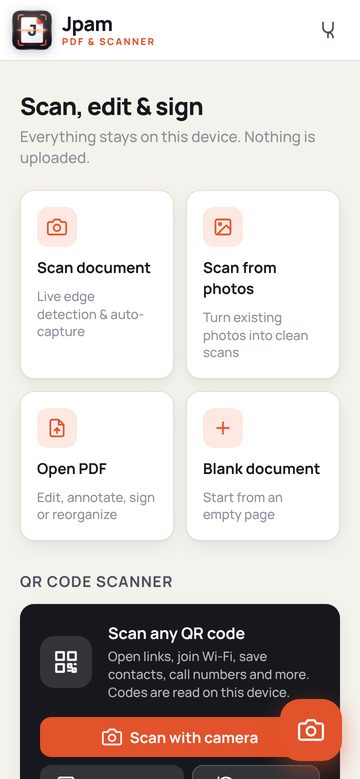
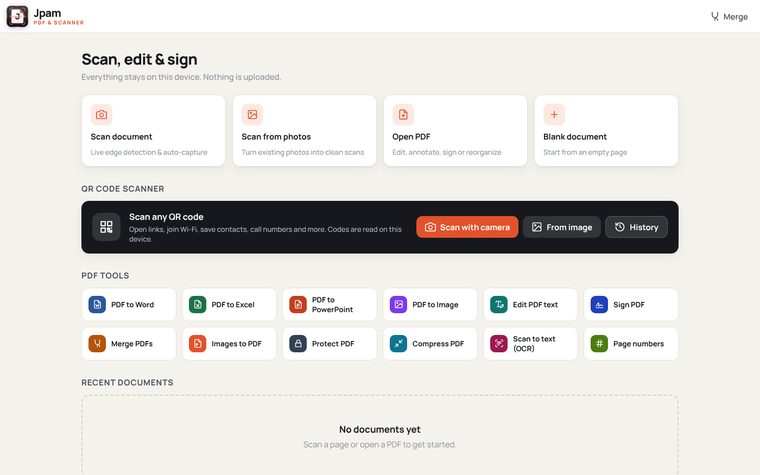
Capture a page with your camera and let the app detect its edges automatically. You can also turn existing photos into clean, straight scans, then adjust the corners, rotate and enhance them.
Edit, annotate and sign
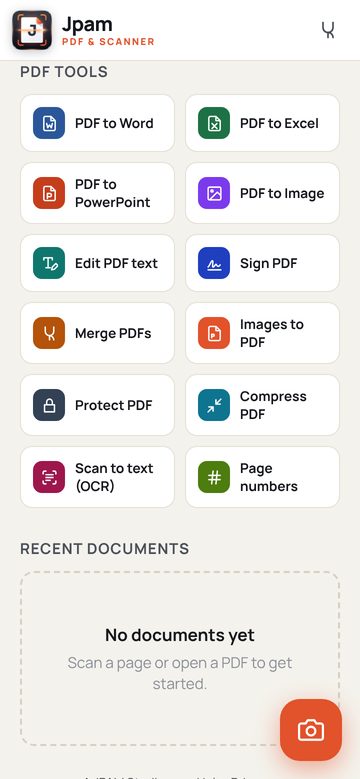
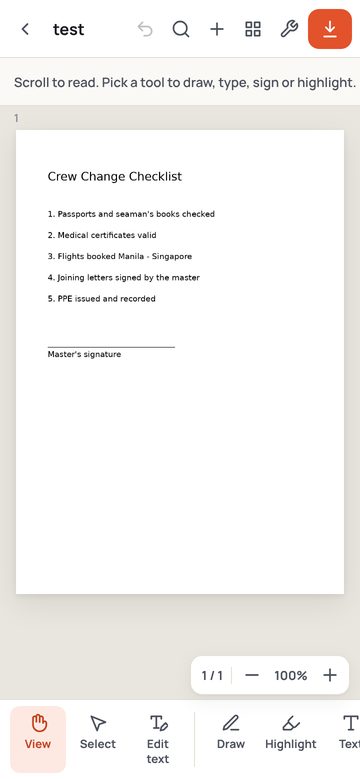
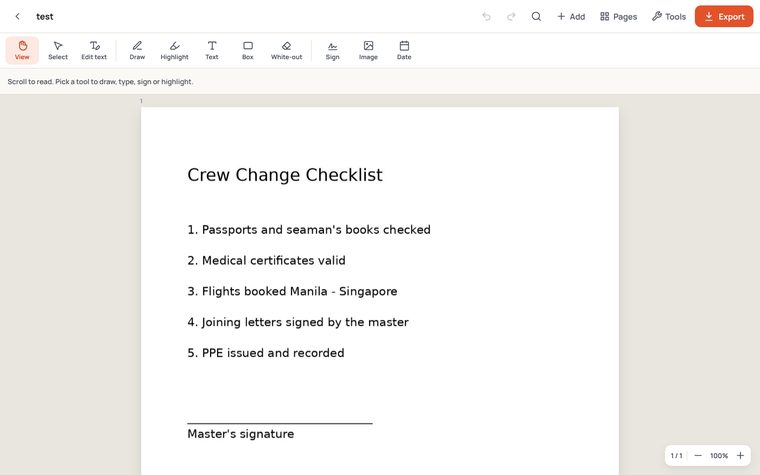
Edit PDF text, add text boxes, highlights, drawings, white-outs, images and dates, or sign with a saved signature.
Organise and convert
Merge PDFs; reorder, rotate, duplicate or extract pages; add page numbers; protect files with a password; and compress them. Export to Word, Excel, PowerPoint or image files.
Recognise text and scan QR codes
Make scans searchable with text recognition in English or Filipino. Scan QR codes to open links, join Wi-Fi networks, save contacts and more.
Private by design
Your documents, scans and signatures are processed and stored on your device. Nothing is uploaded. After your first visit, the app also works offline.
Gallery
Select a picture to enlarge it. Use the arrow keys or swipe to browse.
How it works
Three simple steps, all on your device.
Scan or open
Scan a page with your camera, turn photos into scans, or open a PDF from your device.
Edit and sign
Choose a tool to edit text, highlight, draw, add a text box or sign. Organise pages in the page view.
Export
Save as a PDF or convert to Word, Excel, PowerPoint or images, ready to share.
JPAM PDF & Scanner
Free to use. No account required. Nothing uploaded. Converted Word, Excel and PowerPoint files preserve text and layout as closely as possible. Review them before sharing.
 Simoy MarineMarine weather
 DraftProDraft survey
 SolsticeWeb browser
 JPAM ReviewerExam reviewer
 JPAM MapsMaps & directions
 PassageProNavigation toolkit