
Solstice
Built on WebKit, the engine behind Safari, with the protections switched on from the first launch: HTTPS-First, tracker blocking, Lockdown Mode, and a password manager that lives in your Keychain. No accounts, no analytics, no telemetry.
What it does
Free for Macs running macOS 14.4 or later. The download is coming soon; until then, try the interactive preview in your browser. More platforms will follow later.
HTTPS-First and Safe Browsing
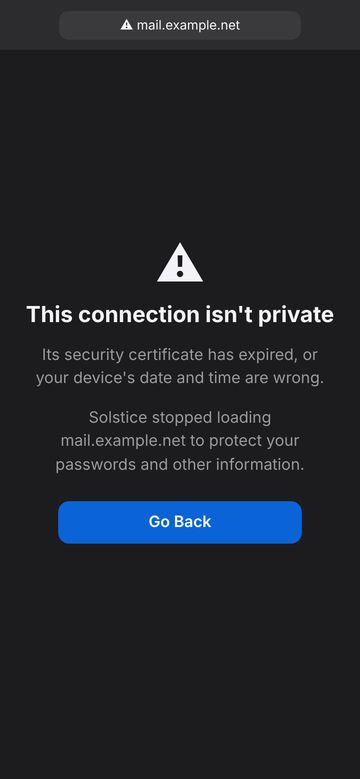
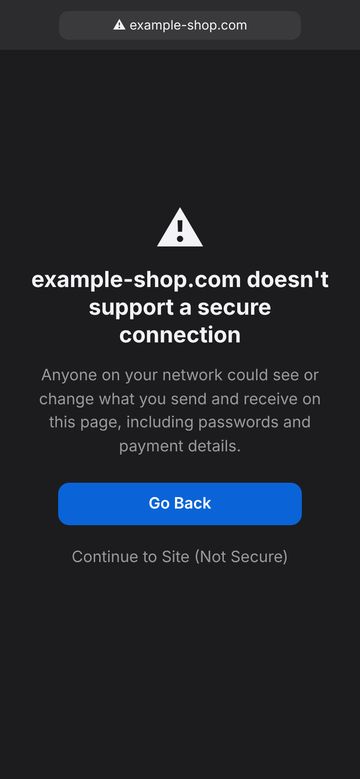
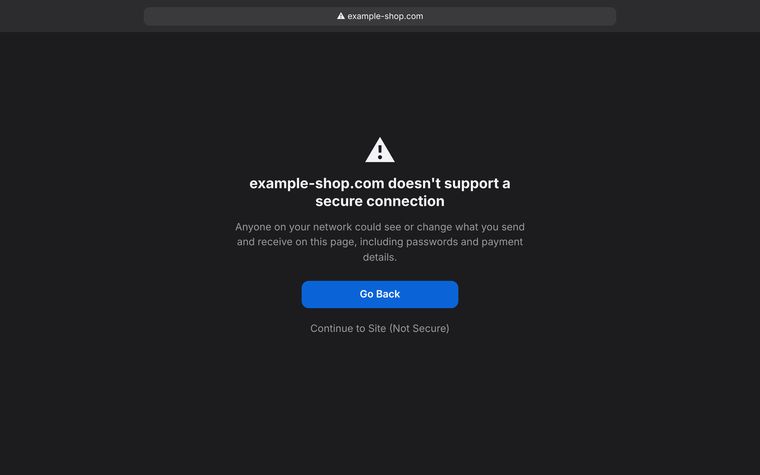
Every site is tried over an encrypted connection first, and you are warned before an unencrypted page or a bad certificate.
Trackers blocked by default
Analytics, cross-site profilers, and cryptominers are stopped inside WebKit. Ad blocking is one switch away.
Passwords in your Keychain
Saved logins stay on your device, filled with Touch ID or Face ID, with a check for leaked, reused, and weak passwords.
Private windows that lock
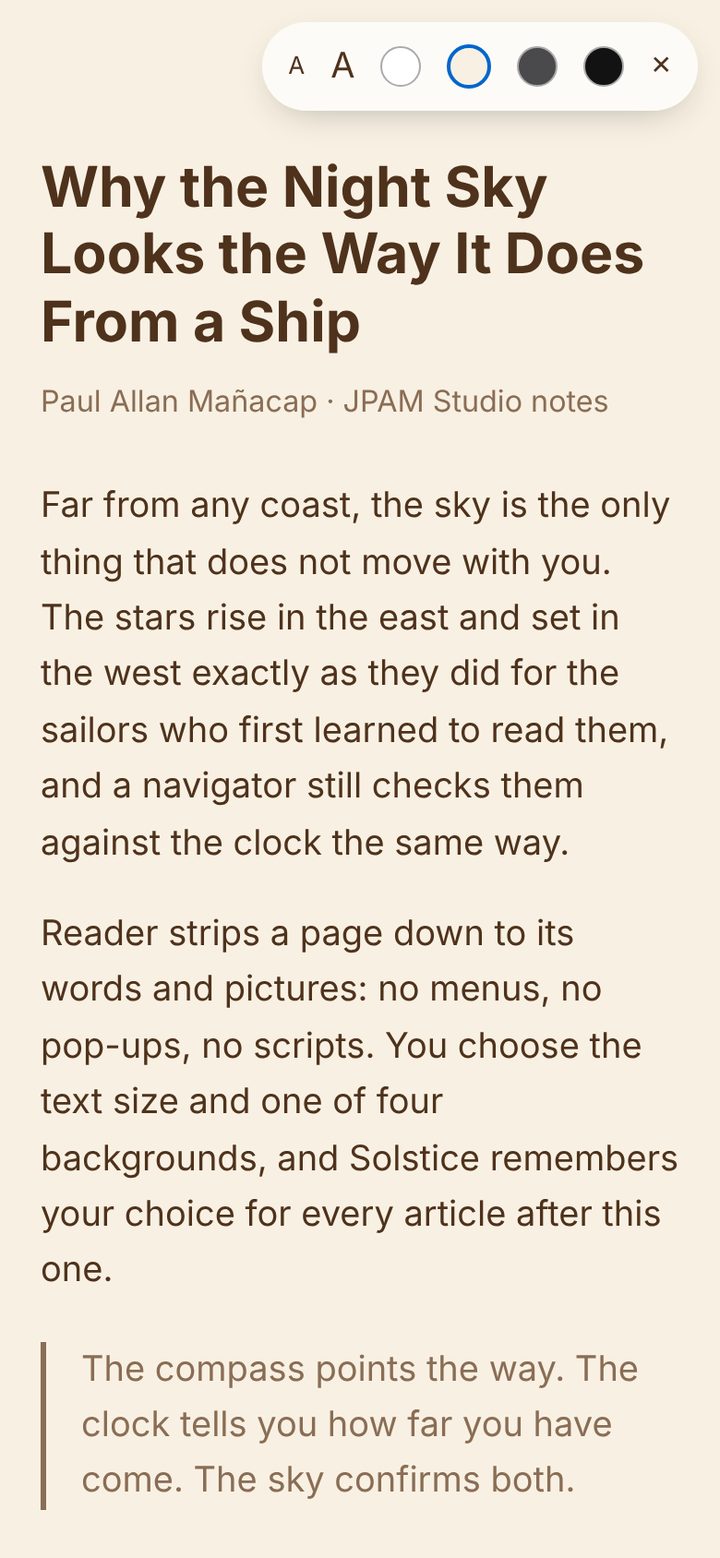
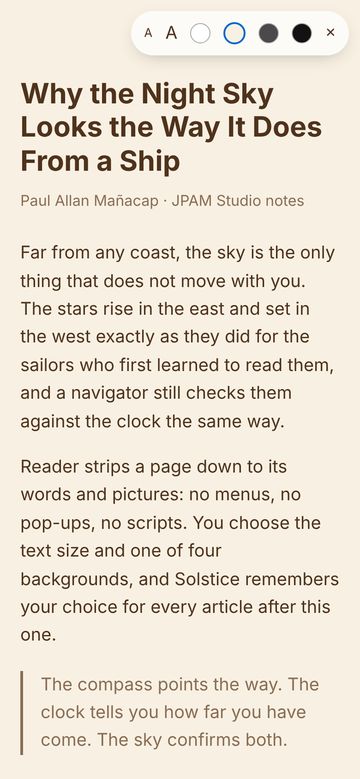
Step away and your Private windows lock themselves; Reader, Lockdown Mode, and a Secure Proxy round it out.
Gallery
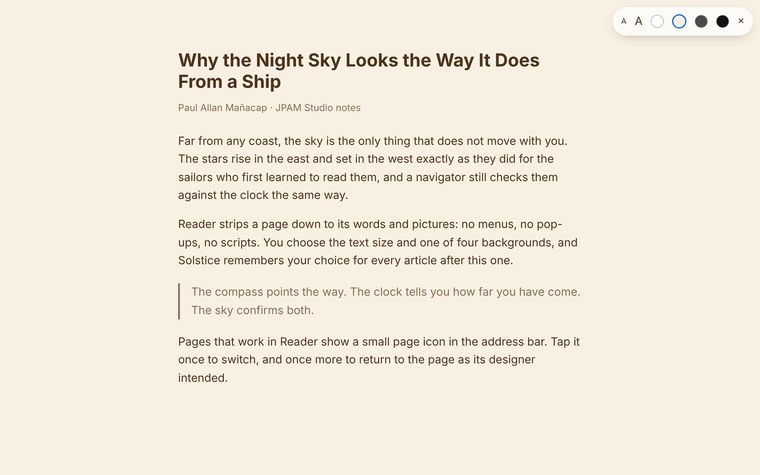
Tap any picture to see it big. Arrow keys and swipes move between them.
How it works
Three steps and you’re in.
Open it like any browser
Type an address or a search. Sites that support encryption load encrypted, every time.
Let it protect you
Trackers are blocked, passwords are offered to be saved, and warnings appear only when something is wrong.
Make it yours
Pick a search engine, turn on ad blocking, add your VPN provider’s proxy, and switch on Lockdown Mode for sensitive sites.
 Simoy MarineMarine weather
 DraftProDraft survey