 Draft
Draft
Draft survey
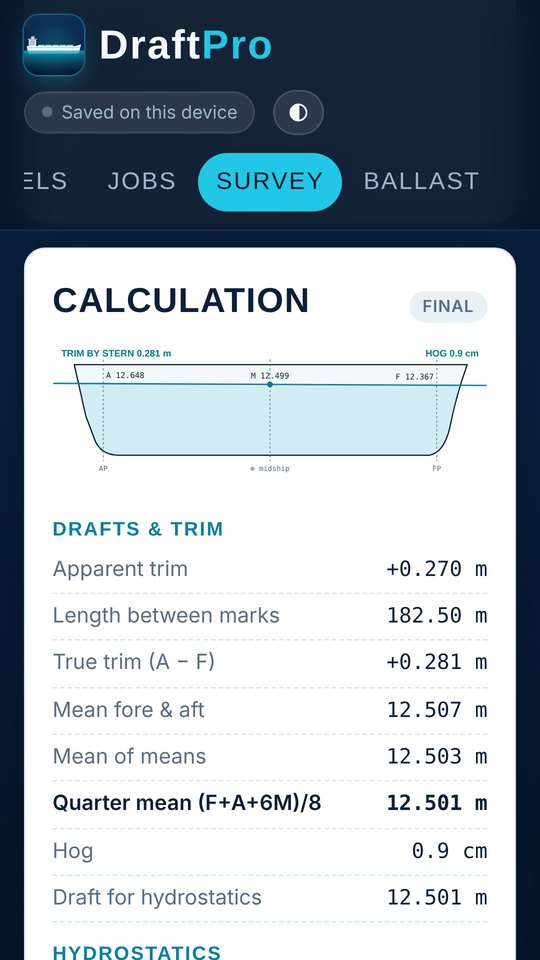
Initial, intermediate and final surveys by the UN/ECE method: corrections to the perpendiculars, quarter mean, first and second trim corrections, list and dock-water density.
DraftPro turns draft readings, ballast soundings and the ship's hydrostatics into the cargo figure, with trimming, strength, cargo planning, voyage and bunker tools beside it. It works offline on iPhone, iPad and Android.
Each vessel keeps its own hydrostatic table, hold particulars, tank calibration tables and speed and consumption figures, so every job starts from the ship's own data.
Initial, intermediate and final surveys by the UN/ECE method: corrections to the perpendiculars, quarter mean, first and second trim corrections, list and dock-water density.
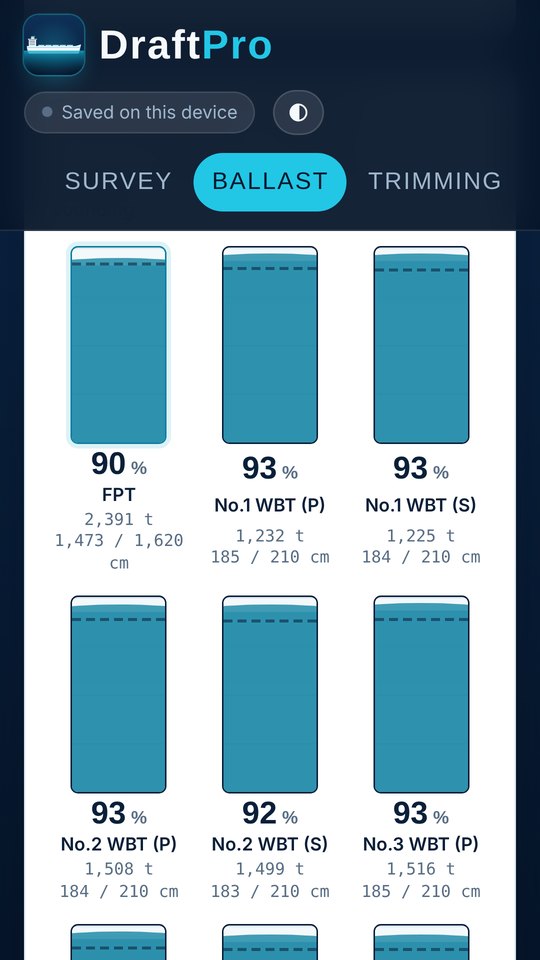
Type the sounding in cm; volume and tonnes come from each tank's calibration table, corrected for trim. Tank gauges show how full each tank is.
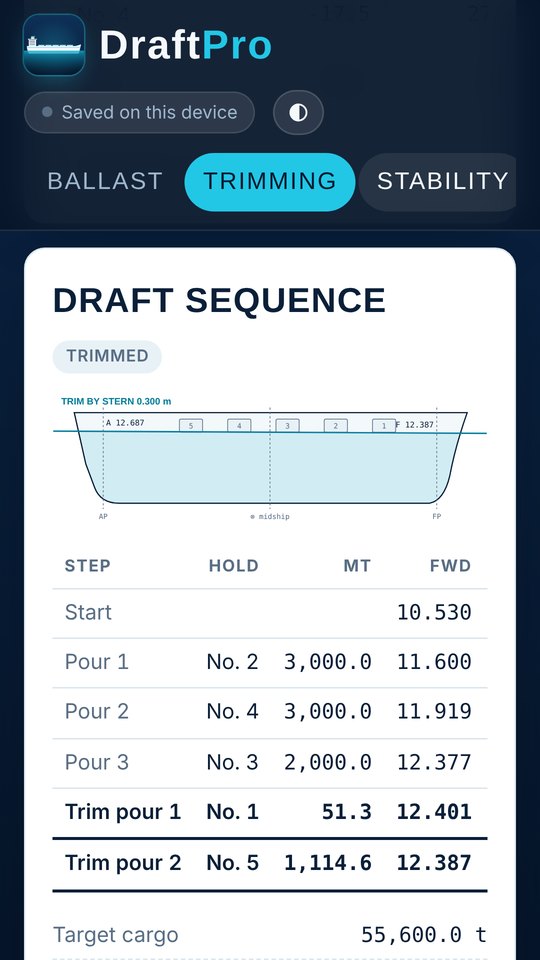
Pour sequence by hold with drafts after every pour, and the final trimming split between any two holds to reach a target trim or cargo quantity.
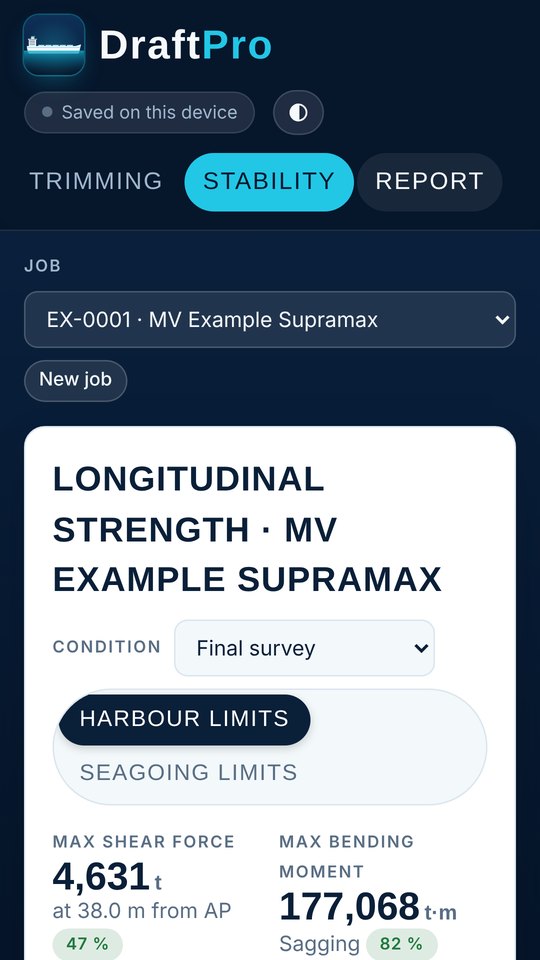
Shear force and bending moment along the ship for the initial, intermediate and final condition, against harbour or seagoing limits.
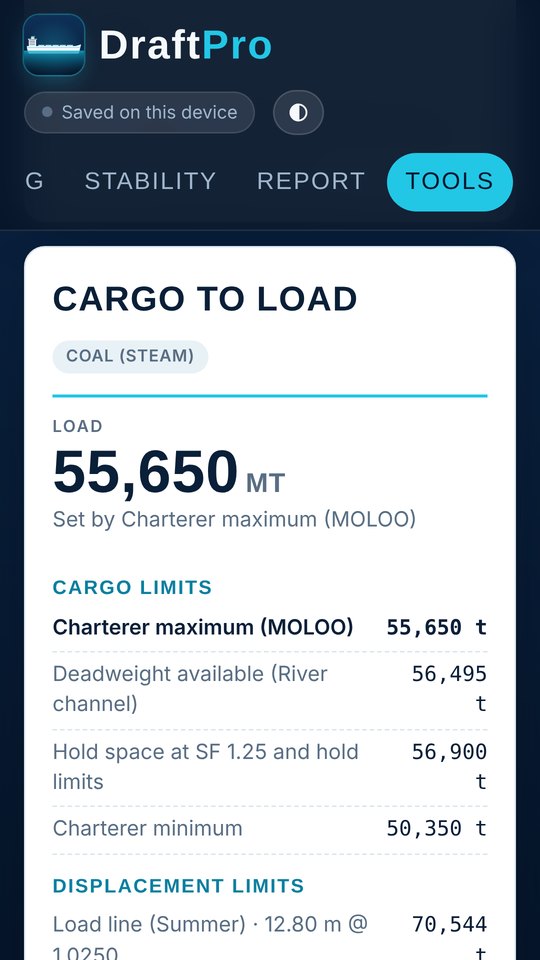
From the voyage instruction: load line, port and channel drafts, densities, bunkers and hold space give the quantity to load and the split per hold.
Step through each hold and deballasting tank and see drafts, trim, air draft, shear force and bending moment after every step.
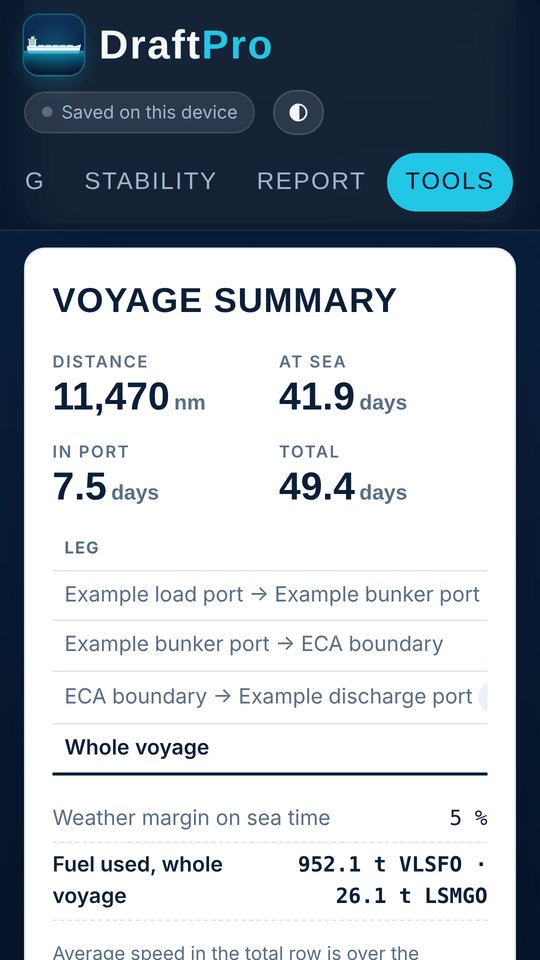
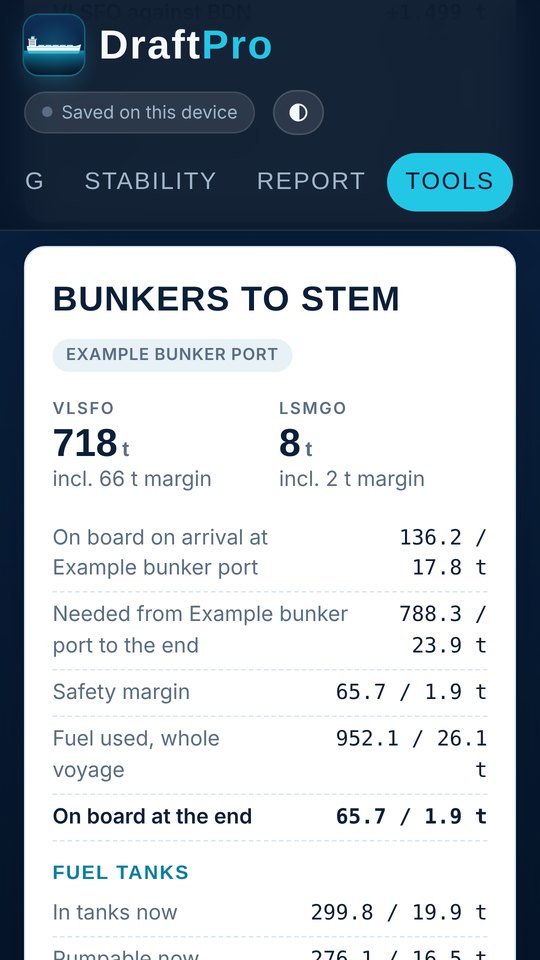
Legs, distances and chosen speeds give sea time and ETAs; fuel use, the bunker stem with safety margin, and a fuel tank table up to 85 % and 90 %.
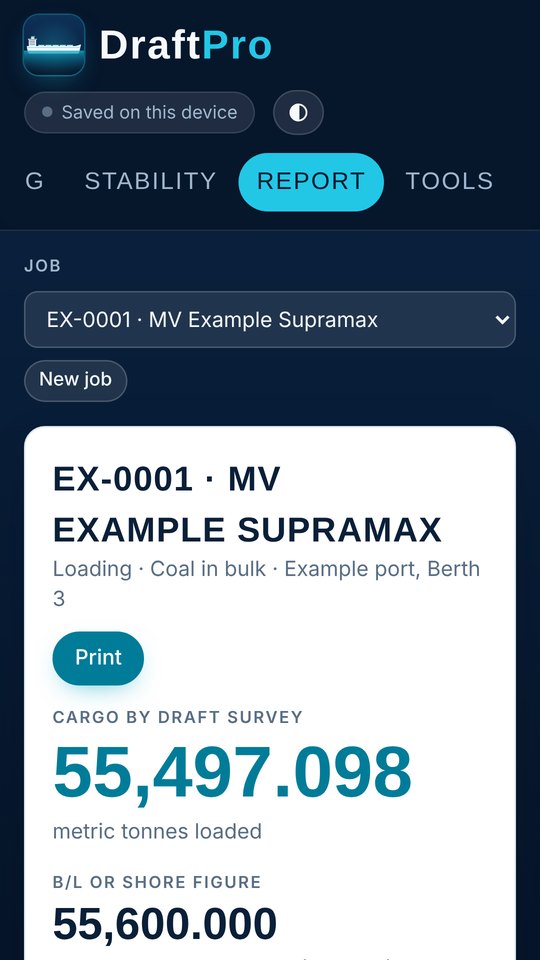
A survey report you can print or save as PDF, plus air draft, new draft after a density change, and weight and stowage factor conversions.
Figures are calculation aids. Check them against the ship's approved stability booklet and loading computer.